1. Standardize Data Formats
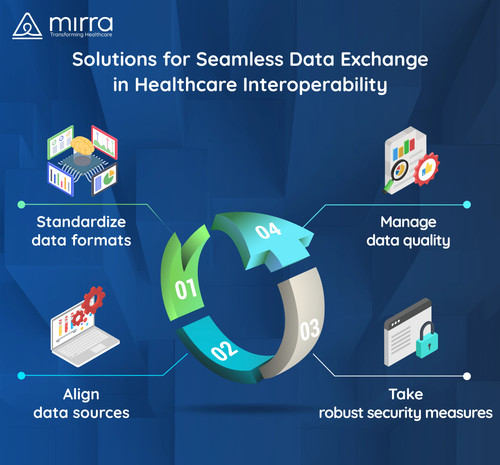
Adopting standardized data formats like HL7 (Health Level Seven) or FHIR (Fast Healthcare Interoperability Resources) can help healthcare businesses implement efficient data exchange and processing solutions. These standardized formats act as a common language that allows data to be understood and exchanged across various IT systems, including EDPS.
2. Manage Data Quality
Healthcare businesses should implement data quality management practices to ensure accurate data exchange. It refers to the process of cleaning and organizing filing cabinets before feeding information into EDPS. While data validation techniques help identify and rectify errors, data cleansing removes duplicates and inconsistencies.
3. Align Data Sources
The complex interaction between Claims, EDPS, MAO-002, and MAO-004 can create inconsistencies while integrating different systems. Our EDPS acts as a bridge to resolve differences and maintain data accuracy across platforms.
This process helps health plans ensure a smooth data transfer and avoids expensive discrepancies and delays in the decision-making process.
4. Take Robust Security Measures
To ensure HIPAA compliance, Mirra’s EDPS solution incorporates robust security features like encryption and access controls.
While encryption makes data unreadable during access attempts from unauthorized sources, access controls ensure that only authorized users can access patient data. These two advanced features safeguard sensitive patient data throughout the data transformation and integration process.
Uploaded 1 year ago
Direct links
Image link
Image URL
Full image (linked)
Website (HTML)
Forums (BBCode)
Share image
Image information:
1. Standardize Data Formats
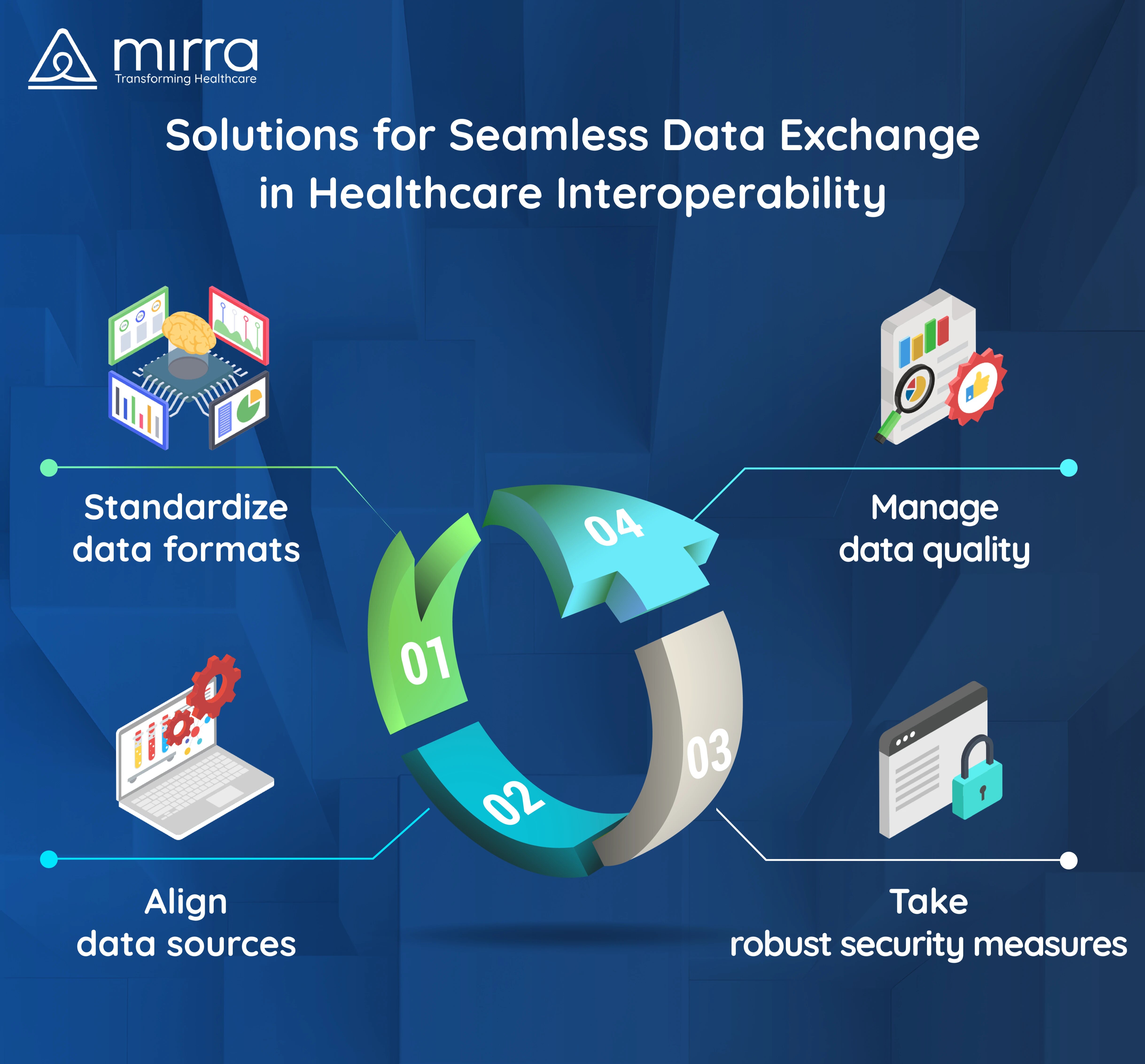
Adopting standardized data formats like HL7 (Health Level Seven) or FHIR (Fast Healthcare Interoperability Resources) can help healthcare businesses implement efficient data exchange and processing solutions. These standardized formats act as a common language that allows data to be understood and exchanged across various IT systems, including EDPS.
2. Manage Data Quality
Healthcare businesses should implement data quality management practices to ensure accurate data exchange. It refers to the process of cleaning and organizing filing cabinets before feeding information into EDPS. While data validation techniques help identify and rectify errors, data cleansing removes duplicates and inconsistencies.
3. Align Data Sources
The complex interaction between Claims, EDPS, MAO-002, and MAO-004 can create inconsistencies while integrating different systems. Our EDPS acts as a bridge to resolve differences and maintain data accuracy across platforms.
This process helps health plans ensure a smooth data transfer and avoids expensive discrepancies and delays in the decision-making process.
4. Take Robust Security Measures
To ensure HIPAA compliance, Mirra’s EDPS solution incorporates robust security features like encryption and access controls.
While encryption makes data unreadable during access attempts from unauthorized sources, access controls ensure that only authorized users can access patient data. These two advanced features safeguard sensitive patient data throughout the data transformation and integration process.